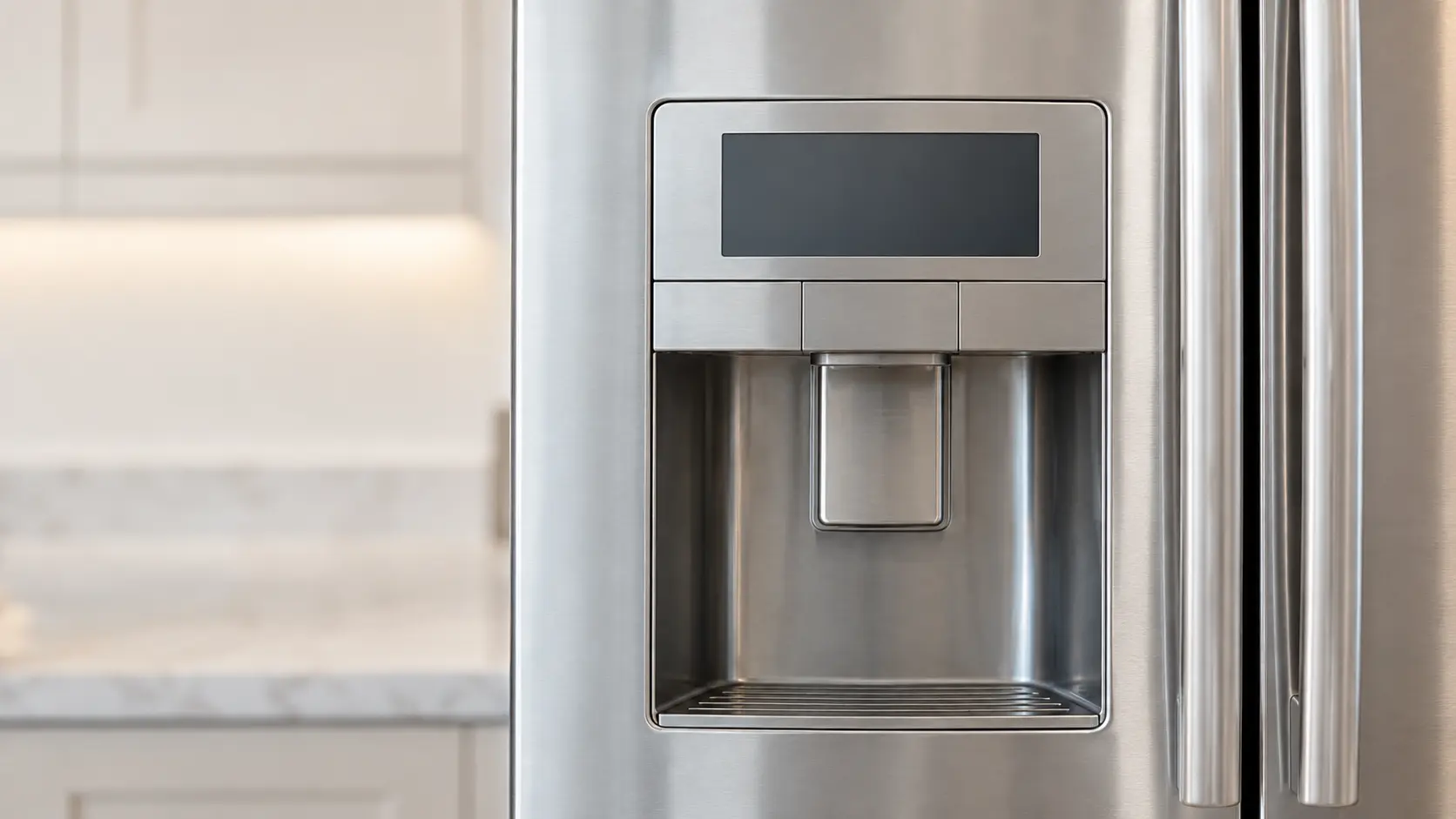
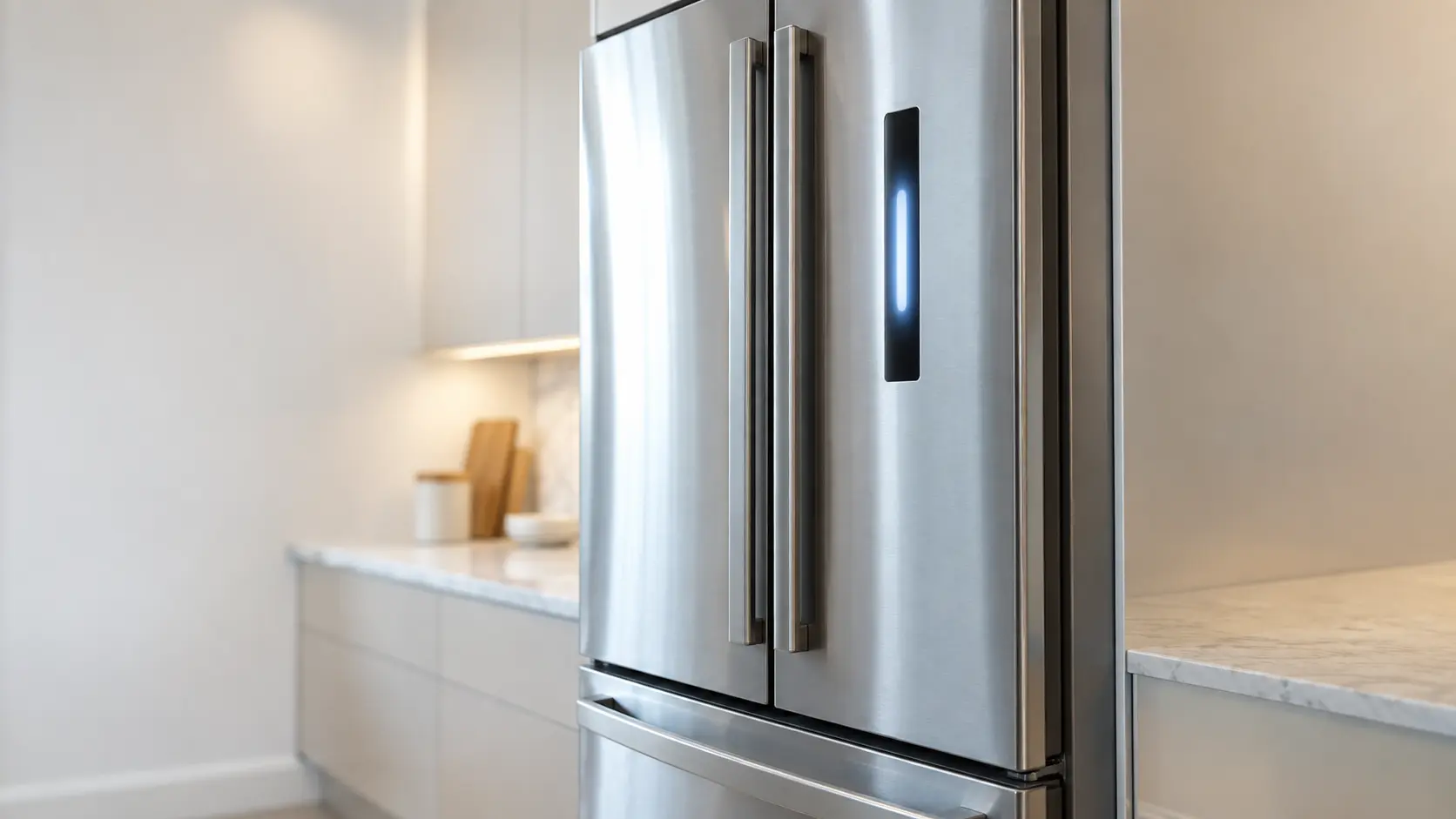

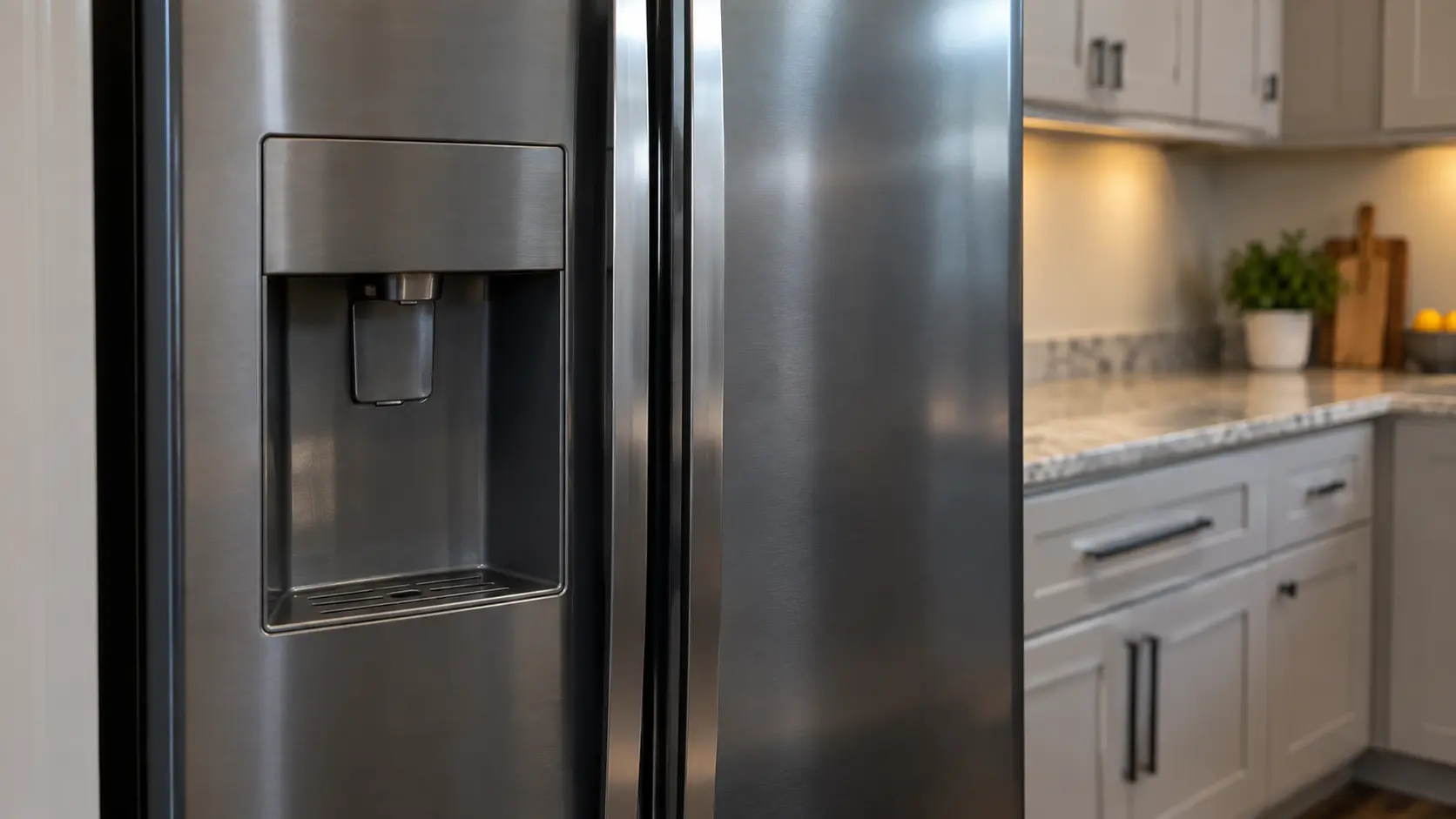
Samsung refrigerator
showing All icons flashing
When every icon on the panel flashes just after the refrigerator is plugged in or after a power cut, it is running a self-check.
Mon–Sat, 8am–8pm
- Mode, not a failure
- No repair needed
- Source: Samsung
Book a visit
Three short steps, about a minute.
or call (844) 681-4650
Loading appointment form…
The appointment form couldn’t load. Please try again.
What All icons flashing
actually means.
When every icon on the panel flashes just after the refrigerator is plugged in or after a power cut, it is running a self-check. Samsung calls this normal. It is not a code and nothing is wrong.
Samsung refrigerator display
What to do when All icons flashing shows on the refrigeratorKind of codeMode, not a failure
A setting somebody chose, or an alert it raised on purpose — a showroom mode, a door or power alarm. Nothing has broken and no part is needed.
Usually leads toNo repair
Leave it alone and let the check finish.
Shows up asRefrigerator Not Cooling
The compartment is warm but the appliance still has power and still makes noise.
MakeSamsung
French door refrigeration with large displays, flexible compartments and complex ice systems.
SourceSamsung US support: refrigerator error codes
Taken from the manufacturer's own documentation, quoted below.
Before you book,
in this order.
Each step comes from Samsung's own guidance for All icons flashing on its refrigerators. Follow it to the end: the last card says whether this is a visit.
Leave it alone and let the check finish.
Avoid pressing buttons while it runs.
If a numbered code remains once the flashing stops, look that code up separately.
Cleared?
Nothing needed repairing. If the refrigerator does not settle back to temperature, that is a separate problem.
What not to do
It is not a failed display or control board.
What you may
notice with it.
The refrigerator problems All icons flashing tends to arrive with. Answer these at the refrigerator before anyone is booked.
All problems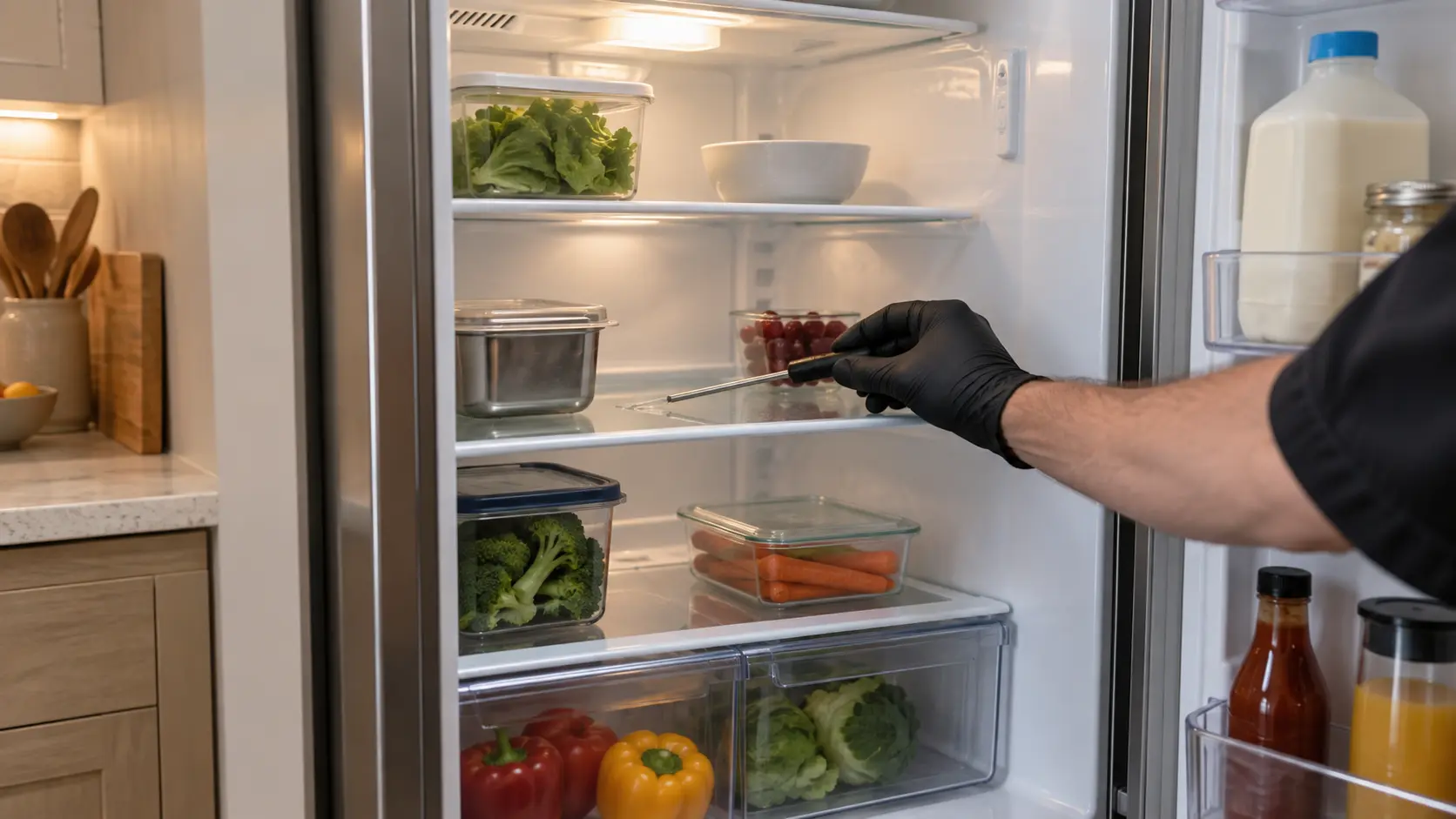
Refrigerator Not Cooling
7 causes, cheapest first
No repair indicated
Nothing to repair.
A setting somebody chose, or an alert it raised on purpose — a showroom mode, a door or power alarm. Nothing has broken and no part is needed.
Read these
before the visit.
Short guides that make the call quicker and the diagnosis cheaper.
All guidesSamsung
refrigerators.
French door refrigeration with large displays, flexible compartments and complex ice systems.
Samsung refrigerator repairMore Samsung codes
Mode, not a failure on other makes
In Samsung's own words
All icons are flashing after being plugged in or a power outage This is normal. The fridge is running a self diagnostic.
Every code on this site is taken from the manufacturer's documentation, never from a forum or a parts listing.
Samsung All icons flashing refrigerator repair,
where we come out.
The same visit in every metro below: the code, the model number, and a diagnosis before any part is ordered.
All service areasTampa BayFL · 31 areas
Miami / South FloridaFL · 47 areas
New York MetroNY · 75 areas
HoustonTX · 36 areas
ChicagoIL · 50 areas
Los AngelesCA · 95 areas
San DiegoCA · 31 areas

Questions
about All icons flashing.
Can I clear All icons flashing myself?
How long do all icons flash on a Samsung after power returns?
What if a code stays after the icons stop flashing on my Samsung?
Back to your everyday
Still showing All icons flashing?
Book with the exact characters, the full model number, and whether it is still cooling — on a code, that is the whole starting point.